Hit Record AUTO (Beta)
One click sets your EQ to a researched commercial-spectrum target: play audio until the HIT pill fills, pick Master, Mix or Instrument, press Apply — and Outboard-EQ writes the fewest band moves needed. One-shot, fully undoable.
Play audio until the HIT pill in the footer fills, pick a context — Master, Mix or Instrument — and press Apply. Outboard-EQ analyses your material and writes the fewest EQ moves needed to bring it toward the spectral balance of commercial records. One click, one shot, fully undoable.
Beta. Hit Record AUTO ships as a beta feature: the analysis is solid, but EQ is a matter of taste — treat the result as a strong starting point, not a verdict. Undo is always one click away.
What it listens for
While audio plays, Outboard-EQ keeps a rolling read of your source — inspired by the Airwindows Hit Record Meter analysis:
- Crest — the distance between peaks and average level. Dense, heavily limited material is recognised and automatically treated more gently.
- Brightness — the spectral centre of gravity of your material, compared against the target curve. A dark source asks for a brighter tilt; a harsh one for the opposite.
- Low end — the lowest clear frequency in the material. A thin low end gets filled toward the reference; an uncontrolled sub gets a gentle tightening.
- Spectrum — a long-term averaged spectrum (the same 16k-FFT engine EQ Match uses) that tells the band allocator where the moves belong.
The target it aims for is not pink noise but an idealised average spectrum of commercial productions (after Pestana & Reiss, AES 2013): an extended low end, a smooth ~5 dB/octave decay through the mids, and a natural high-frequency roll-off.
Walkthrough
1. Play your material
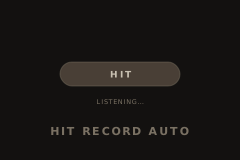
Start playback of a representative section — a chorus beats a quiet intro. The HIT pill in the footer (bottom right, next to Theme) starts filling.
2. Let the pill fill
The fill is honest: it grows while the analysis converges and can retreat when the material changes (a drop, a new song section) — the analyzer is re-reading. Steady material is ready in a few seconds; it never takes longer than about 13 seconds of signal.
3. Pick a context
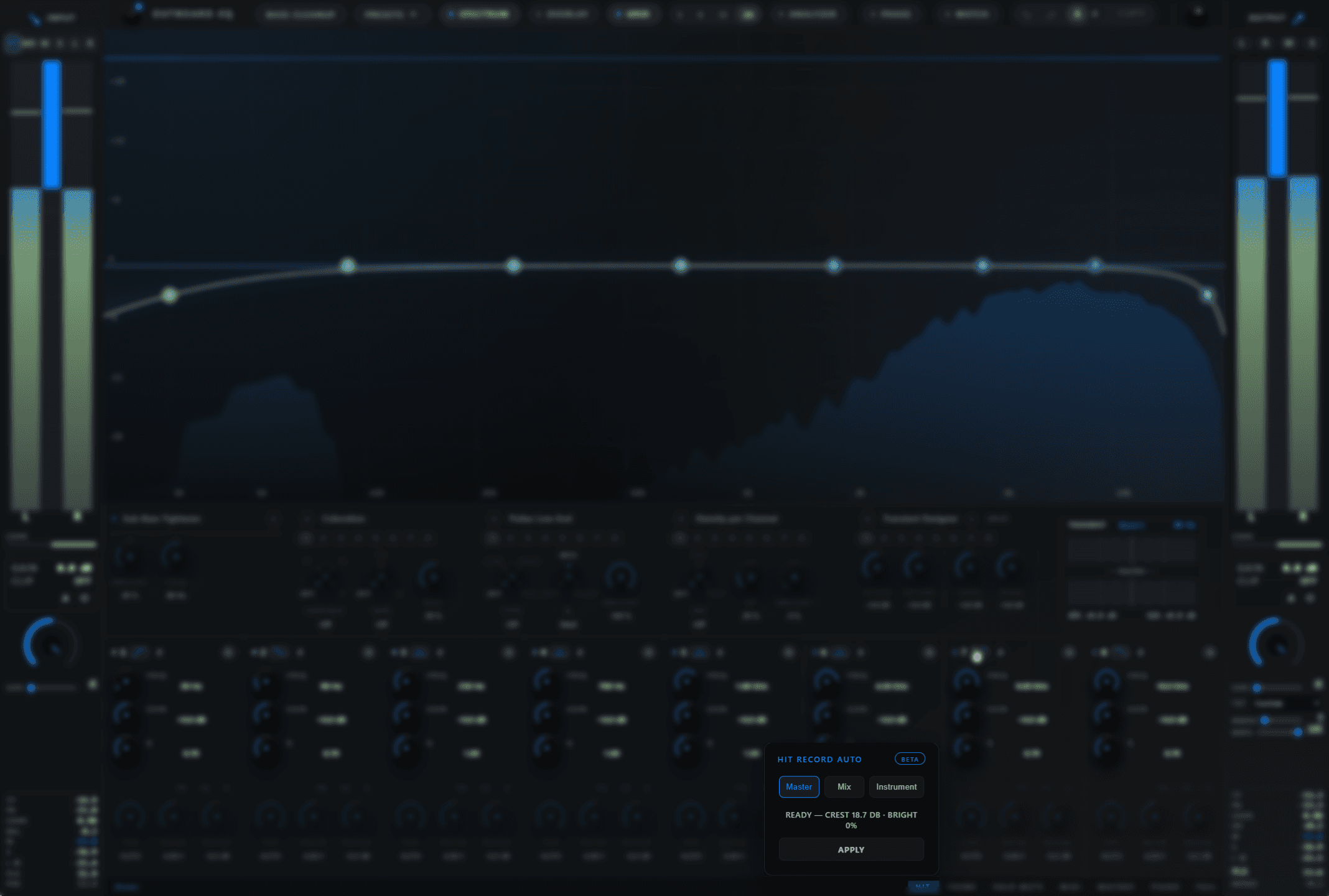
Click the pill to open the popover and choose what you are working on:
- Master — up to 4 bands, gentle gains, broad strokes. For finished mixes and mastering.
- Mix — up to 6 bands at moderate strength. For the mix bus or stems.
- Instrument — up to 8 bands, allowed to commit. For single tracks.
4. Apply
Press Apply. The band allocator fits your spectrum toward the target and stops as soon as nothing meaningful is left to correct — so you may get 2 bands, not 8. The moves are written as ordinary band settings: edit them, automate them, or press Undo in the header to take it all back.
The status line confirms the result ("Applied — 3 bands") and shows the measured crest and brightness while you work.
Tips
- One-shot by design. Bands never move on their own. If the song changes, just press Apply again.
- Already-mastered material is safe. Low crest, samples riding the ceiling and a low peak-to-loudness ratio each shorten the leash automatically — AUTO will not fight a finished master at full strength.
- Use it as a second opinion. Apply, listen, then refine: the result is a normal set of bands, so every handle, Q and gain is yours to reshape.
- Quiet room? If you press Apply before any audio has played, the plugin asks you to play some audio first — the analysis needs real signal.
See also
- EQ Match — match a captured reference spectrum instead of the built-in target.
- Band controls — edit the bands AUTO writes.
- Undo, redo, A/B
- Output meter — the LUFS/PLR readouts that inform the density detection.
EQ Match
Capture the average spectrum of your source, pick a target curve, hit Apply — and Outboard-EQ writes the matching EQ moves directly into up to eight bands.
Output meter
The right-hand sidebar is a full mastering meter: sample-peak, true-peak, LUFS, stereo correlation, gain-reduction readout, L/R/M/S monitor iso buttons, and…